How to Manage Your Health Documents: PDF & Image Tools You Need
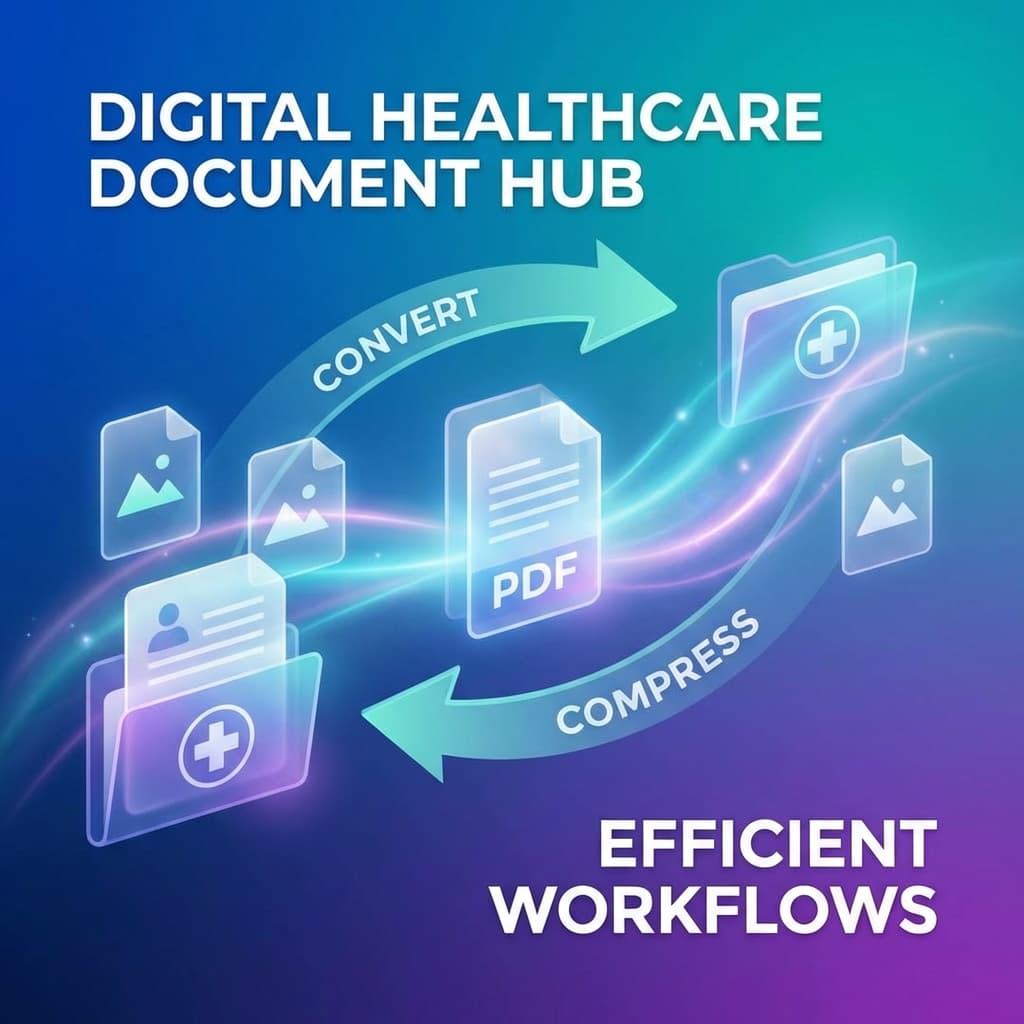
Managing personal and family medical documents is a universal challenge. Between multi-page hospital discharge summaries, high-resolution diagnostic imaging scans, and smartphone snapshots of paper prescriptions, your digital health files can quickly become disorganized and unwieldy.
Large file sizes, incompatible formats, and privacy concerns often create friction when uploading reports to your health portal or emailing summaries to specialists.
Here is a practical guide to streamlining your medical document management safely.
Why Proper Document Optimization Matters
When using digital health platforms like LuckyMedico, you regularly need to:
- Upload multi-page lab reports: Blood tests, urinalysis, and metabolic panels often arrive as hefty 15 MB PDF files.
- Consolidate prescription photos: Taking pictures of three different medicine boxes often results in three separate JPG images rather than one clean, organized document.
- Share medical summaries with specialists: Sending lightweight, readable PDFs ensures doctors can open your records instantly on clinic tablets or laptops.
Essential Privacy-First File Management Workflows
1. Compress Large Diagnostic PDFs
High-resolution medical PDFs with clinic letterheads and diagnostic scans often exceed upload limits. Using a privacy-first browser compressor reduces file size by up to 80% while keeping numerical values, doctor signatures, and text sharp and readable.
2. Convert JPG/PNG Photos to a Single PDF
Instead of keeping five separate photo files of a hospital discharge sheet, convert and merge those photos into a single, cohesive PDF document. This makes future referencing effortless for both you and your care team.
3. In-Browser Processing for Maximum Privacy
When handling medical documents containing your name, address, and diagnostic history, never upload raw files to unknown online conversion servers. Look for tools (like GenZDoc.com) that execute all compression and conversion directly inside your local browser sandbox—meaning your files never leave your computer or phone.
A Simple 4-Step Health Document Routine
- Capture Clearly: Take photos of prescriptions or paper reports in bright, direct overhead light.
- Convert to PDF: Group related images into a single multi-page PDF.
- Compress: Ensure the file size is under 5 MB for effortless sharing and fast portal loading.
- Store & Encrypt: Upload directly to your LuckyMedico health vault or store in an encrypted folder.
Takeaway: Well-organized, lightweight medical records save time, eliminate stress, and ensure your healthcare providers always have immediate access to your complete clinical story.